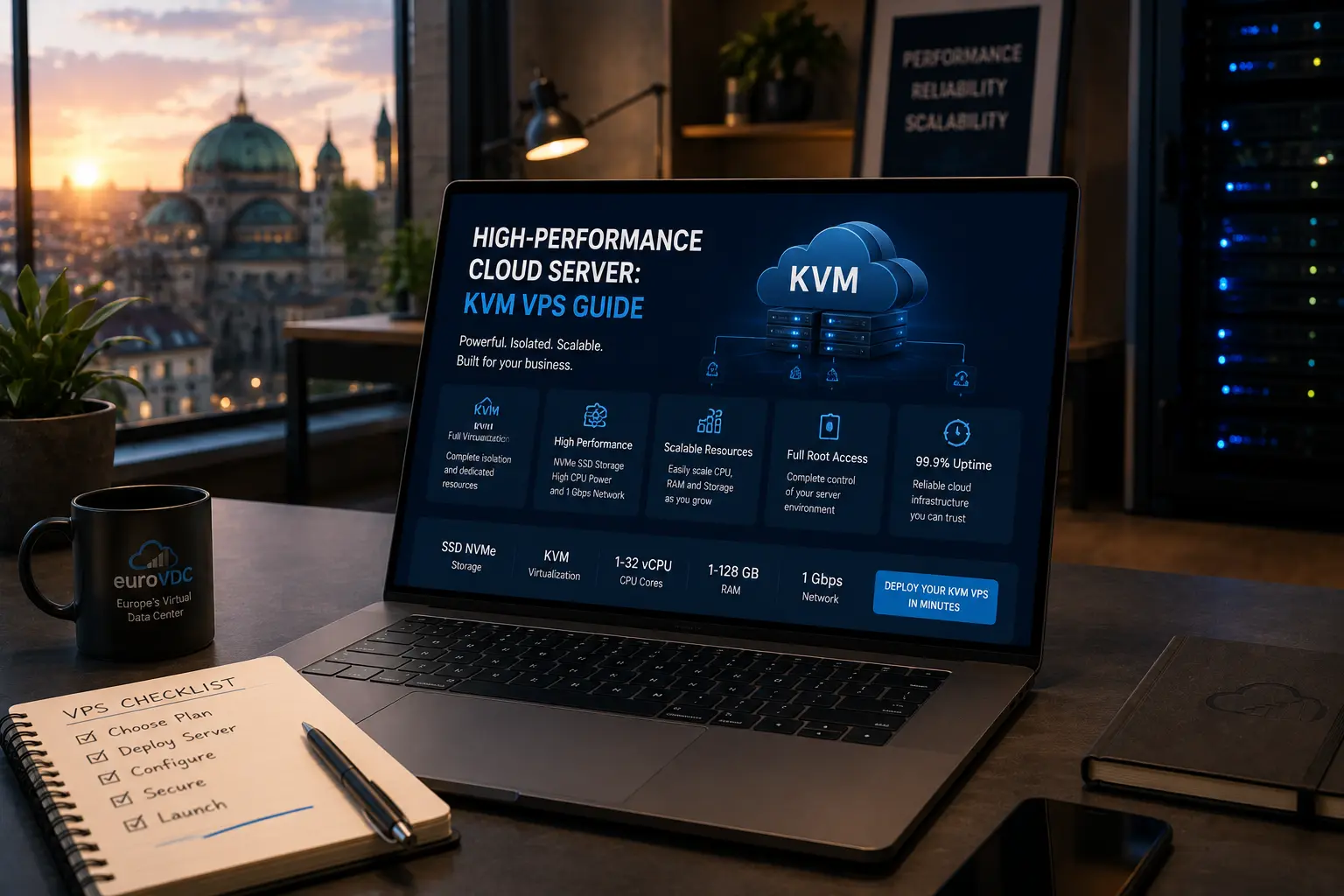
A cloud server is an isolated virtual machine with allocated CPU, RAM and storage—typically with root access and a choice of operating system. At EuroVDC it runs as KVM in Sofia (EU). This guide explains how cloud differs from shared hosting and dedicated servers, what KVM means in practice and when a cloud plan is the right next step.
Compare plans on cloud server; for managed sites without root see web hosting.
Cloud vs shared vs dedicated
- Shared hosting: Panel stack, no root, many sites on one host. Fast and cheap for blogs and SME sites; neighbour load and fixed software are the trade-offs.
- Cloud / KVM VPS: Your own VM, root, selectable OS, allocated resources. You patch, harden and back up—or hire someone who does.
- Dedicated: Whole physical machine. Choose dedicated server for sustained high I/O, special hardware or contractual single-tenancy.
Cloud sits between convenience and control: more isolation than shared, faster to resize than buying bare metal for every step of growth.
What KVM gives you
KVM (Kernel-based Virtual Machine) is full virtualisation on Linux. Each guest runs its own kernel. That makes noisy neighbours harder to steal your CPU or memory slice than on crowded shared platforms, and it lets you run Docker, custom services and non-standard stacks when resources allow.
You still share the physical host’s hardware pool, but the hypervisor enforces allocation. Predictability depends on correct sizing—undersized RAM causes swap; oversized plans waste budget.
When cloud is the right fit
- You need root, SSH and custom daemons.
- Staging and production must stay isolated.
- APIs, queues, Redis or Node workers are part of the product.
- Shared hosting shows repeated limit warnings or 502s.
- Compliance talks ask for clearer tenancy boundaries than shared.
If the site is a simple brochure with WordPress and forms, stay on web hosting until metrics say otherwise.
Sofia (EU) location
EuroVDC cloud servers run in Sofia, Bulgaria—inside the EU. For European users that usually means better latency than distant regions. For GDPR and vendor questionnaires, EU infrastructure is a clearer location story. Location alone does not make you compliant; it supports contracts, DPIAs and customer due diligence.
Day-one checklist
- SSH keys, disable password login where practical.
- Firewall: allow only needed ports.
- Updates and a documented backup policy before production DNS.
- Monitoring for disk, CPU and certificate expiry.
Root access means you own uptime habits. Treat the first hour after provision as hardening time, not feature time.
EuroVDC approach
Order a Sofia KVM on cloud server, pick an OS image and size for the real bottleneck (CPU, RAM or disk). Keep marketing sites on web hosting if that split is cleaner. Scale to dedicated only when the workload outgrows virtualisation economics.
Frequently asked questions
Is a cloud server the same as shared hosting?
No. Shared is managed multi-tenant without root. Cloud is an isolated VM with root and your own stack.
What does KVM mean for my app?
Full virtualisation with your own kernel. You can run Docker and custom services within the plan’s CPU/RAM/disk limits.
Do I get a control panel by default?
Not like shared hosting. You can install a panel with root, or manage via SSH. Prefer web hosting if you want turnkey panels.
When should I choose dedicated instead?
Sustained high I/O, specialised hardware or contractual single-tenancy. Many teams stay on cloud for a long time.
Why host in Sofia?
EU location, useful latency for European audiences and a clearer story for GDPR-related vendor checks—paired with sound ops and contracts.
How do I start with EuroVDC cloud?
Choose a plan on cloud server, boot the OS, harden SSH/firewall, set backups, then point DNS when ready.