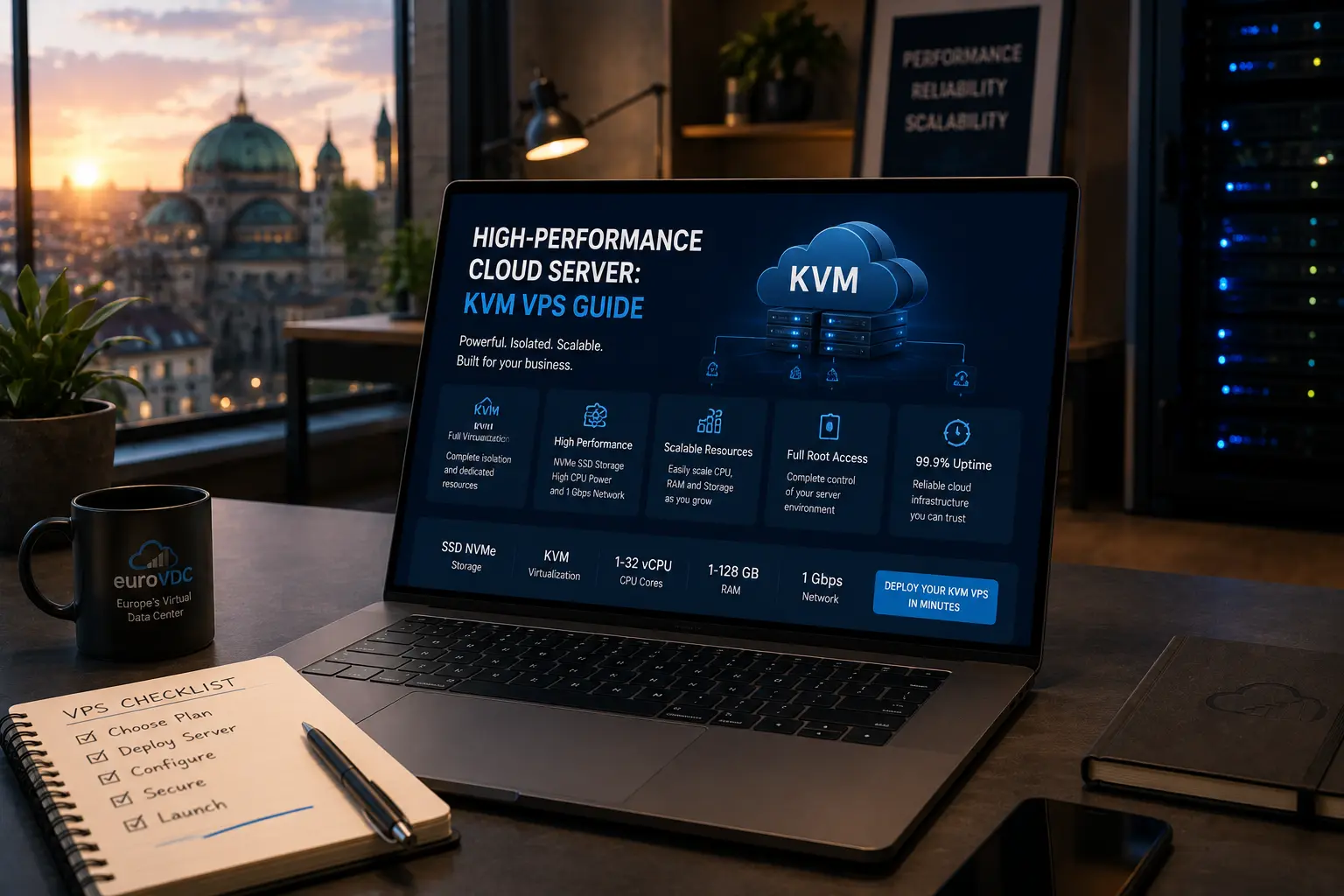
KVM (Kernel-based Virtual Machine) turns a Linux host into a type-1-style hypervisor: each guest runs its own kernel, virtual CPUs, memory and disks under hardware-assisted virtualisation. Understanding that model helps you judge why a cloud VM feels different from shared hosting—and when EuroVDC cloud server plans in Sofia (EU) fit. This is an educational primer, not a plan-picker worksheet.
When you are ready to rent capacity, open the cloud catalog; keep dedicated metal for sustained single-tenant needs later.
How KVM works (short)
- Host kernel module: KVM reuses the Linux kernel; QEMU often emulates devices and boots the guest.
- Hardware assists: Intel VT-x / AMD-V let guests run privileged code safely without full software emulation.
- Isolation: Separate address spaces and kernels—stronger boundaries than process-shared hosting.
- Resources: vCPU, RAM and disk quotas are allocated per VM; noisy neighbours compete less than on crowded shared panels.
You still share the physical chassis with other VMs. Isolation is logical, not “the whole building is yours.” That distinction matters in sales conversations: KVM is strong guest isolation, not contractual bare-metal exclusivity.
For operators, the practical win is a familiar Linux server experience—packages, firewalls, your choice of web stack—without ordering a full chassis on day one. That is why most SaaS and agency staging workloads start on KVM cloud before anyone debates bare metal.
KVM vs other models you hear about
| Model | Kernel | Typical use |
|---|---|---|
| Shared hosting | Provider stack only | Sites without root |
| Containers (LXC/Docker on host) | Shared host kernel | Dense apps; different threat model |
| KVM VM | Own guest kernel | Cloud VPS, custom OS |
| Dedicated | Bare metal | Full chassis tenancy |
Containers are excellent packaging; they are not the same isolation story as KVM. Many production clouds run containers inside KVM guests for layered control.
What root on a KVM cloud actually means
- Choose a guest OS image (Ubuntu, Debian, AlmaLinux, …).
- Boot with allocated vCPU/RAM/disk; reach the VM via SSH.
- Install your stack—Nginx, Docker, databases—within the quota.
- Patch the guest yourself; snapshots/backups are part of ops, not magic.
EuroVDC cloud servers use this KVM model in Sofia (EU), so residency and latency stories stay European while you keep full guest control.
Educational takeaways before you buy
- KVM explains why cloud feels “like a small server” with root.
- Performance still depends on sizing and host density—measure, do not mythologise.
- GDPR talks care about location and contracts; KVM answers isolation mechanics.
Frequently asked questions
Is KVM the same as shared hosting?
No. Shared hosting shares a provider stack without guest root. KVM gives each VM its own kernel and stronger isolation.
Do I get a whole physical server with KVM?
No—you get a virtual machine on shared hardware. For a whole chassis, evaluate dedicated.
KVM vs Docker?
Docker containers usually share a kernel; KVM virtualises a full machine. Often you run Docker inside a KVM guest.
Where do EuroVDC KVM clouds run?
Sofia (EU).
Who patches the guest OS?
You do (or your MSP). The hypervisor isolates; it does not replace guest security updates.
How do I try it on EuroVDC?
Pick a plan on cloud server, boot an image, harden SSH and measure your workload.