Registering a common .tr or .com.tr name in 2026 is mostly a paperwork and data-accuracy exercise: correct registrant identity, readable documents when asked and alignment with current TRABIS-era rules. This guide is the practical checklist for everyday personal and company cases—not the deep dive into reserved documented namespaces.
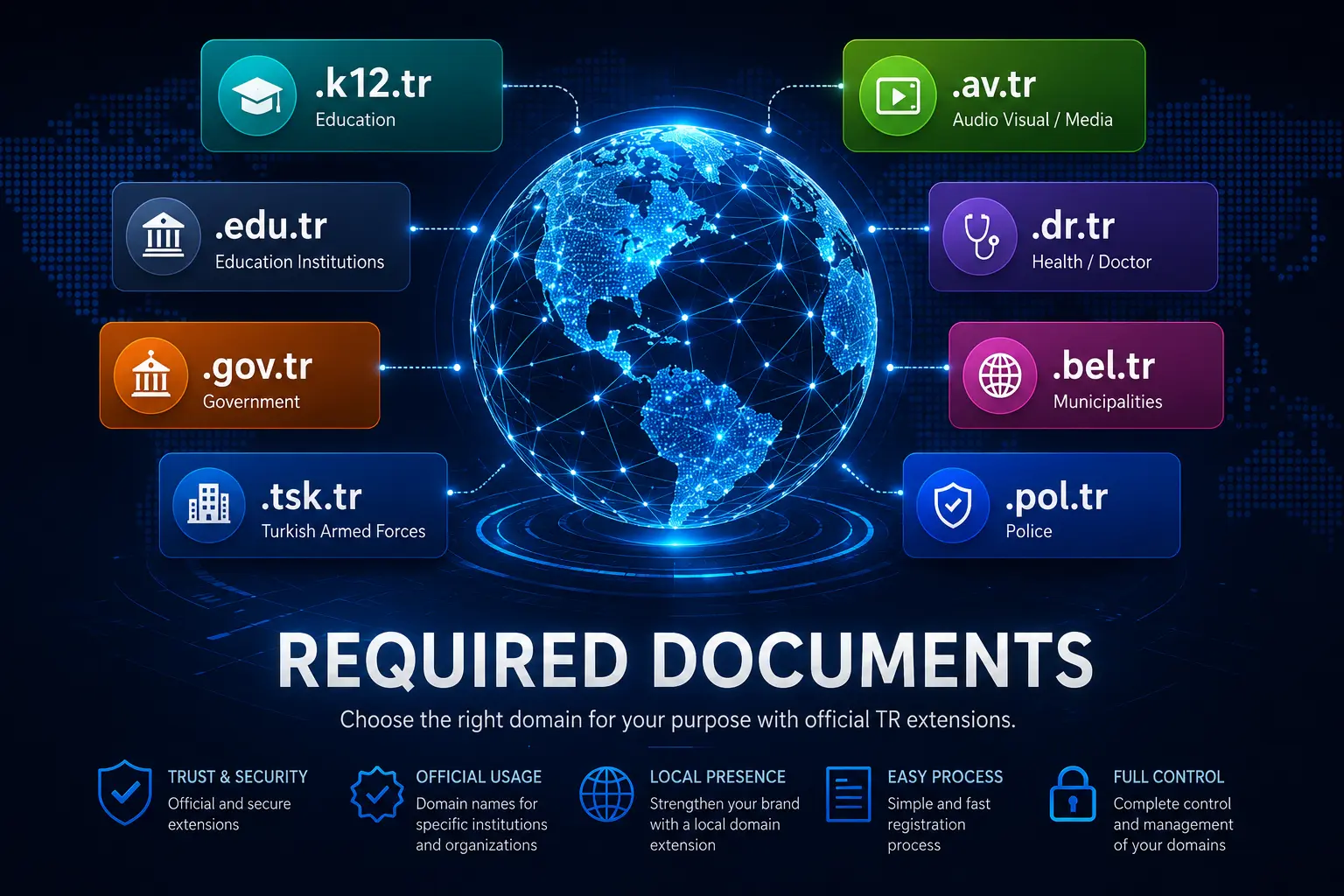
For reserved categories (gov, edu and similar), read documented .tr domains first. Then search availability on EuroVDC domain search or invent options with the AI Domain Generator.
What changed in the 2026 framing
Turkey’s domain administration continues under the TRABIS-era model with accredited registrars. Exact document matrices can shift: which extract is accepted, how fresh it must be, whether e-signed copies are allowed. Use this checklist as a preparation list, then confirm the live requirements in your registrar ticket or panel before you upload.
Fix the EN title intent clearly: this is a .tr Documents Guide 2026—a working checklist, not a frozen legal code.
Personal registrant checklist
- Government ID matching the registrant name in the order
- Current contact email and phone you actually monitor
- Accurate postal address (billing and registry data)
- Any additional form your registrar shows for .tr / .com.tr at checkout
- Consent to accurate data—false registrant details create later transfer and renewal pain
If the panel asks for a scanned ID, use a sharp, full-page scan. Cropped or glare-heavy photos cause most first-round rejections.
Company registrant checklist
- Trade registry / company extract that matches the legal name on the order
- Tax identification details as required on the form
- Authorised signatory evidence when the registrar asks who may bind the company
- Company stamp or e-signature only if the current process requests it
- Billing contact that finance monitors for renewals
Name mismatches (brand name vs legal entity, old vs new company title after restructuring) are the top delay. Align legal strings before you pay.
Process timeline
Typical flow: search → cart → upload/confirm data → registry review (when required) → active domain → set DNS. Document review, when triggered, adds waiting time. Do not schedule press launches on “instant” assumptions for .tr.
After activation, set nameservers, enable auto-renew and store panel MFA. Transfer locks should stay on until you intentionally move registrars.
Differentiate from documented namespaces
This 2026 guide covers common personal/company paths. Reserved documented extensions need category proof and eligibility—see documented .tr domains. Mixing the two articles keeps SEO intent clean and avoids promising .gov.tr to every SME.
EuroVDC path
EuroVDC (EU, Sofia) lets you check .tr availability next to .com, .eu and .bg. Start with domain search; if naming is open, use the AI Domain Generator. Always re-check TRABIS/registrar instructions on submission day.
Frequently asked questions
Do I always need to upload documents for .com.tr?
Not always—requirements depend on current policy and registrant type. Prepare ID/company extract anyway so you are not blocked mid-checkout if the panel requests them.
Can I register a .tr in a personal name for a company brand?
Follow the registrant type the registry expects. Misaligned ownership complicates invoices, transfers and trademark defence—prefer the correct legal registrant from day one.
What if my company extract is older than 30–90 days?
Many reviews want a fresh extract. Request an updated copy before upload rather than gambling on an old PDF.
Where is the guide for .gov.tr / .edu.tr?
See documented .tr domains and verify live TRABIS eligibility rules.
How do I check if my .tr string is free?
Use EuroVDC domain search. Free does not mean approved if documents or eligibility fail later.
Does EuroVDC invent TRABIS rules?
No. Registrars implement registry policy. This blog prepares you; the official checklist on application day is authoritative.