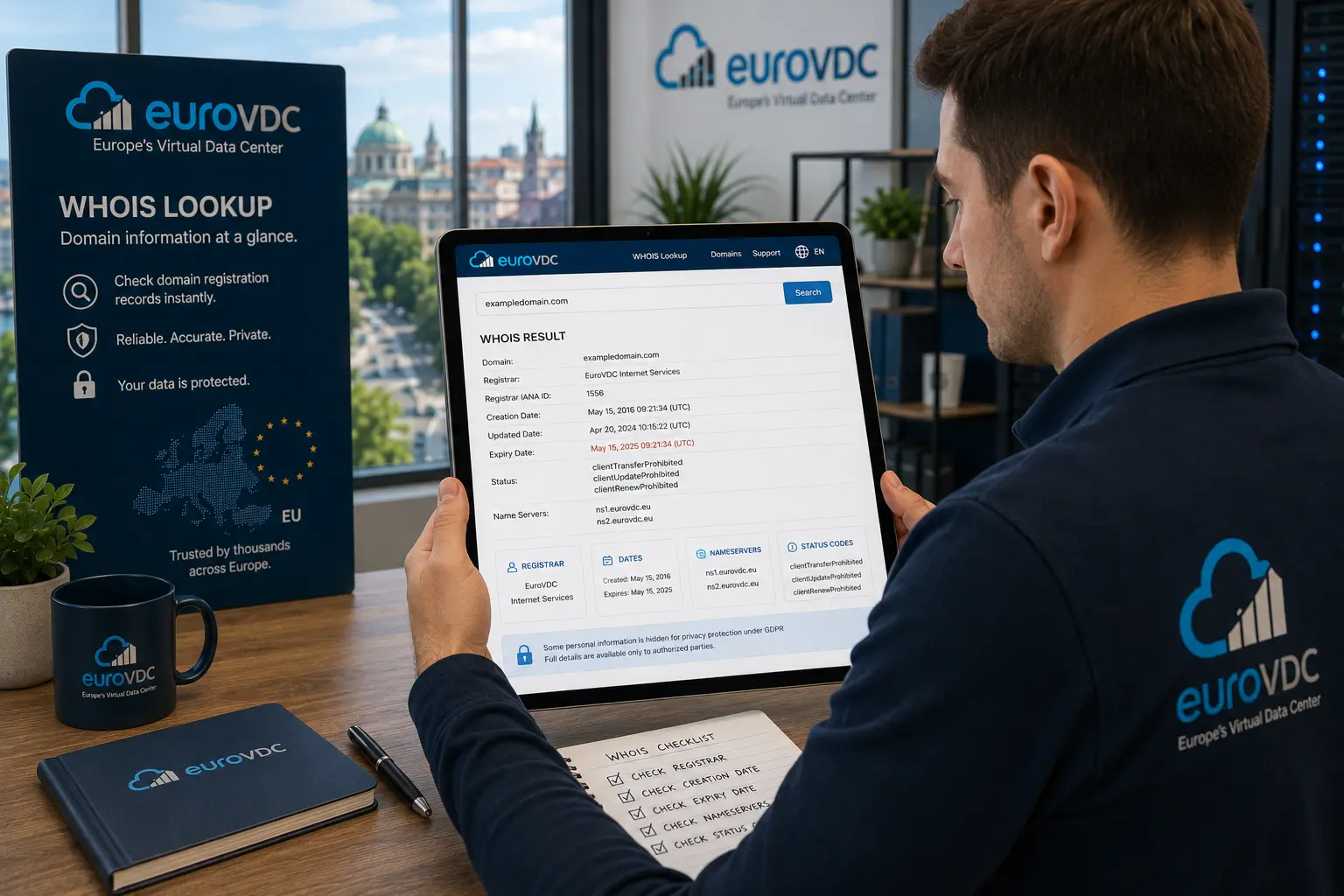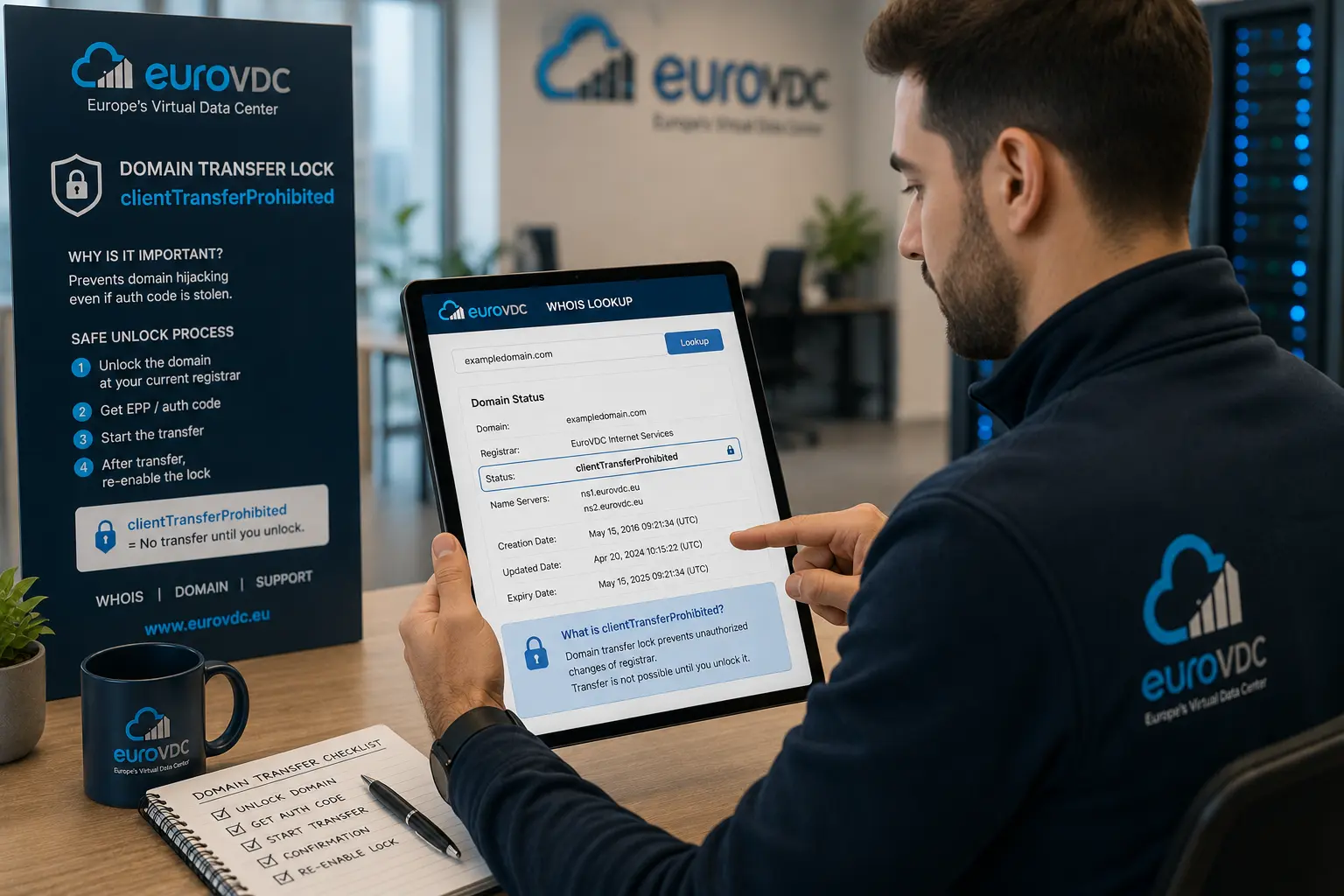
A domain transfer lock is the registrar-side flag that blocks outbound moves. On most gTLDs it appears in Whois/RDAP as clientTransferProhibited. Locked by default is healthy: it stops casual hijacks and accidental transfer orders. You unlock only for a planned move, then lock again.
This guide covers what the status means, when to unlock, how locks protect you and how to verify with EuroVDC Whois lookup. When you are ready to move, start domain transfer. For the full day-of runbook see our domain transfer checklist.
What clientTransferProhibited means
clientTransferProhibited is a client status set by your current registrar. While it is present, gaining registrars cannot complete a standard transfer even if someone holds an Auth/EPP code. Related flags such as clientUpdateProhibited or clientDeleteProhibited tighten other changes; transfer lock is the one that matters for moving the registration.
Some registries also apply server statuses (serverTransferProhibited). Those are registry-side and usually tied to disputes, court orders or policy holds—unlocking in your panel will not clear them. Always read the full status list, not a single badge in a marketing UI.
When to unlock (and when not to)
- Unlock only after you have chosen the gaining registrar, confirmed registrant email works and requested a fresh Auth/EPP code.
- Keep locked for day-to-day operations, shared panel access, contractor work and after every successful transfer.
- Do not unlock because a cold email asks you to “verify ownership” or because a reseller chat demands it without a ticket you opened.
Also respect 60-day rules: many gTLDs block another transfer shortly after registration or a prior move. Unlocking will not override that timer.
Hijack protection in plain terms
Attackers who phish panel passwords or social-engineer support often try to pull the domain to another registrar. A lock forces an extra step: unlock + Auth code + email approval. Pair the lock with strong account MFA, limited user roles and current recovery contacts. Privacy/redaction does not replace a lock—redacted Whois still leaves the registrar panel as the control plane.
After any staff change or suspected credential leak, confirm status via Whois, rotate passwords and re-enable the lock if it was cleared.
Unlock → transfer → re-lock flow
- Export DNS and note current nameservers.
- Unlock at the losing registrar; wait until Whois no longer shows clientTransferProhibited.
- Request Auth/EPP; submit at EuroVDC domain transfer.
- Approve FOA/email promptly; avoid changing NS mid-flight unless planned.
- When complete, set the lock again and confirm auto-renew.
Country TLDs (.tr, .bg, .eu) may use different wording or portals—follow the registry’s transfer policy for that extension.
Reading Whois before you click unlock
Check registrar name, expiry, status list and nameservers. Near-expiry domains should be renewed first. Holds or pendingDelete states need fixing before any transfer attempt. If status still shows clientTransferProhibited after you unlocked, wait for registry sync or contact the losing registrar—do not spam Auth codes into multiple gaining accounts.
EuroVDC path
EuroVDC is an EU registrar based in Sofia. Move the registration with domain transfer, verify flags with Whois lookup and keep hosting/email under the same login when you are ready. Use the practical checklist for Auth, TTL and day-of mistakes.
Frequently asked questions
Is clientTransferProhibited a problem?
No—it is the normal secure default. It only becomes a problem when you intend to transfer and forget to unlock first.
How long should a domain stay unlocked?
Hours to a couple of days at most. Unlock for the transfer window, complete the move, then lock again immediately.
Does unlocking change my website or DNS?
No. Unlock only affects transfer eligibility. Nameservers and hosting stay as they are unless you edit them separately.
Can support unlock without my Auth code?
Registrar staff may unlock in-panel after identity checks, but a transfer still needs a valid Auth/EPP and usually email approval. Treat unexpected unlock requests as a security incident.
What if Whois still shows the lock after I unlocked?
Allow time for publication, refresh the lookup and confirm you cleared the correct domain. If it persists, open a ticket with the losing registrar before submitting a transfer.
Where do I start a transfer to EuroVDC?
Unlock, grab a fresh Auth code, then open domain transfer. Verify status anytime with Whois lookup.
Lock smart, transfer clean
Verify status, unlock only when ready, then move: Domain transfer · Whois lookup · Transfer checklist.