

Domain registration secures a unique name under an extension, records who holds it, takes payment for a term and points DNS so visitors and mail reach you. In order, the steps are: choose the name, choose the extension, register, configure DNS and renew. Skipping one creates surprises on launch day.
Step 1: choose the name
Prefer a short name that is easy to spell and does not collide with a trademark. Say it on a call and ask someone to type it. Avoid double hyphens and number tricks unless the brand needs them. If ideas are stuck, describe the business to the AI Domain Generator and review candidates with availability attached.
Step 2: choose the extension
- .com for global trust.
- .eu for a European identity. The holder must meet the eligibility rules, which tie them to the EU, Iceland, Liechtenstein or Norway.
- .bg for Bulgarian presence.
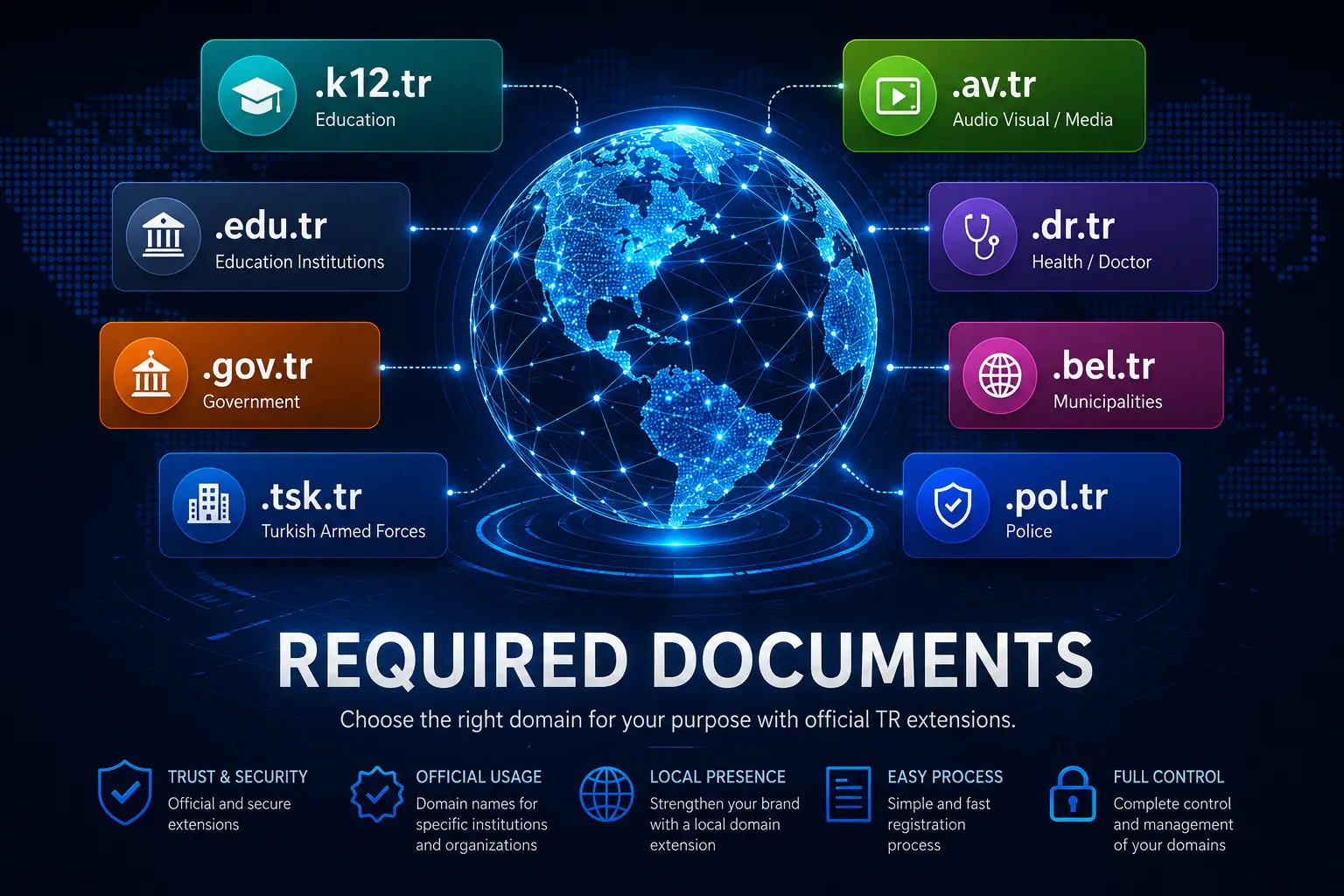
- .tr or .com.tr for Turkey-facing brands; see .tr domain documents.
Compare first-year and renewal prices on domain prices before you commit, and read choosing a domain extension for the trade-offs.
Step 3: register
- Search the exact name on domain search.
- Enter accurate registrant data for a person or a company.
- Pay for the term you choose.
- Protect the account with multi-factor login and turn on auto-renew for names you rely on.
- Keep the transfer lock on until you decide to move registrars.
Step 4: DNS
Point the nameservers to your hosting, or manage the records where you registered. Add A and AAAA records for the site, MX for mail and TXT records for SPF, DKIM and DMARC. Lower the TTL before a planned switch. Registration alone does not publish a website, so hosting or a site builder still has to be connected. Details are in changing nameservers and DNS records.
Step 5: renew and operate
Put the expiry date in a calendar, keep billing contacts current and record who owns the registrar login. Renew early before big campaigns. If you move registrars later, unlock briefly, transfer and lock again; the procedure is in how to transfer a domain.
Notes for .bg and .eu
.bg strengthens trust with a Bulgarian audience, and .eu signals a European scope when you are eligible. International teams often pair either with a .com that redirects. After checkout, confirm the order email, set a recovery contact that finance monitors and save the list of nameservers. These small habits prevent most “we thought it was renewed” incidents. A purchase walk-through is in how to register a domain, step by step.
Frequently asked questions
How fast does a new domain activate?
Most open extensions within minutes after payment. Some country extensions take longer for review.
Do I need hosting right away?
No. You can register first, but the site stays offline until DNS points somewhere.
What is the difference between registration and transfer?
Registration creates a new term for a free name. Transfer moves an existing registration between registrars.
How do I avoid losing the domain?
Turn on auto-renew, keep a valid payment method and watch the notices sent to the registrant email.