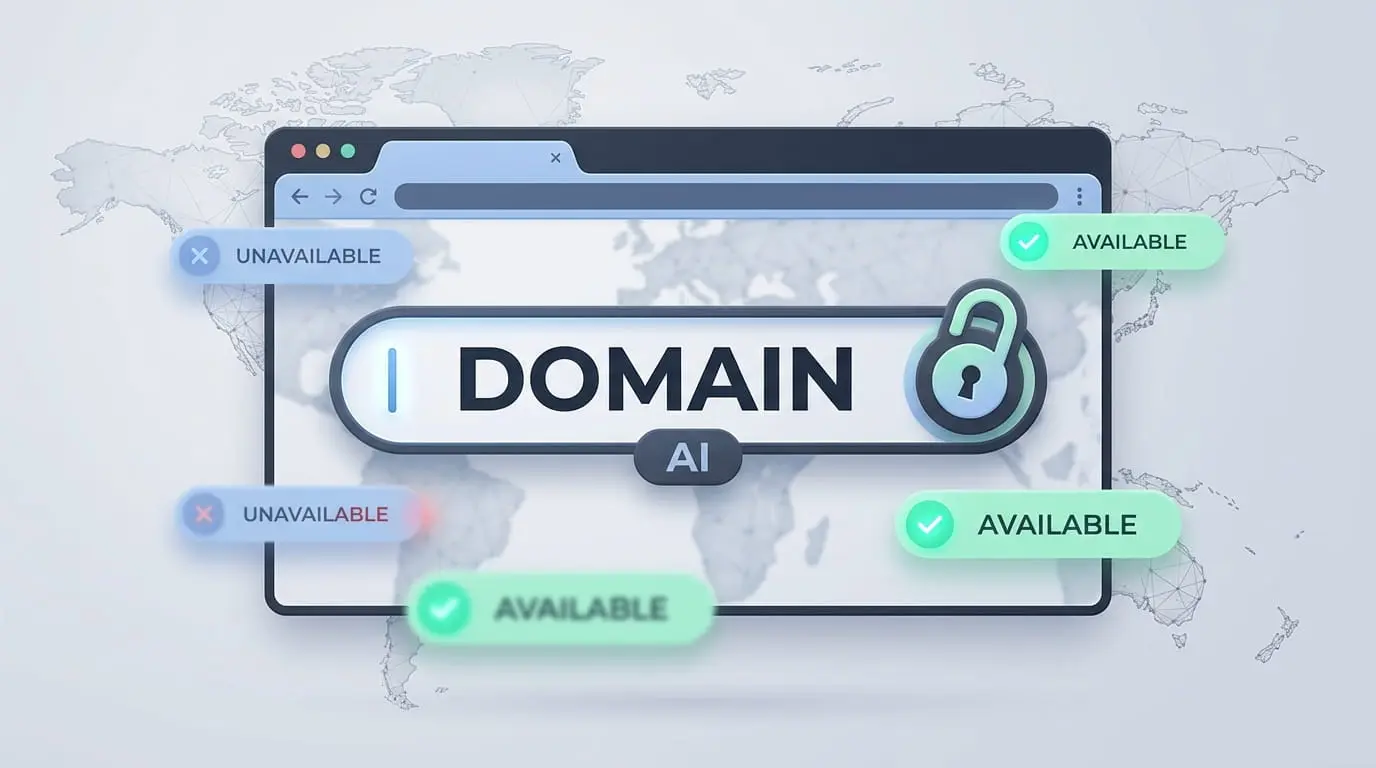
An AI domain generator asks you to describe your business or idea in a short phrase, then proposes memorable, brand-fit names and checks whether they are available to register. A classic domain search only answers “is this exact string free?” An AI tool combines naming, variations and multi-TLD availability in one flow.
This guide centres on EuroVDC’s AI Domain Generator: how to choose a strong name, write prompts that work, avoid common mistakes and move from idea to registration without bouncing between random name sites.
How AI domain generators work
On EuroVDC the flow has four steps:
- Describe the idea. Enter a short definition of the product, audience or brand feel (for example: “Sofia-based cloud backup SaaS”).
- AI proposes candidates. The engine combines your keywords for brand fit, brevity and readability into a short list of names.
- Availability is checked. Suggestions are scanned across .com, .eu, country TLDs and 100+ other extensions in seconds.
- Register what you like. Add an available domain to the cart and complete registration with EuroVDC; hosting and email can stay under the same account.
If the first batch feels off, refine the prompt—“shorter”, “serious B2B tone”, “English brand”—and run again. Iteration is normal; the first list is usually a warm-up.
What makes a good domain name?
Availability alone is not enough. Check these criteria:
- Length: Aim for roughly 6–12 characters (excluding the TLD). Long names invite typos and weak word-of-mouth.
- Pronounce and spell: If you cannot say it once on a call and have someone type it correctly, keep looking.
- Brand clearance: Avoid lookalikes of famous marks; they create legal risk and ad-platform rejection.
- Meaning vs vessel: Either imply what you do or create an empty “brand container”—forcing both often fails.
- TLD strategy: .com for global products; .eu for EU-focused businesses; .tr / .com.tr for Turkey; .bg for Bulgaria. Niche TLDs (.io, .cloud, .app) can work for tech brands, but do not lock your primary brand to a promo-only extension.
EuroVDC is a Sofia-based registrar and hosting provider. Geography matters for GDPR, European infrastructure and local TLD pricing—see current rates on the domain prices page.
Prompt examples that actually help
Do not ask for “a nice domain.” Give context. Patterns that work well:
- “Istanbul B2B logistics software, short and serious tone” → compact brand roots with .com / .eu candidates.
- “Organic olive oil ecommerce, Mediterranean feel, easy to spell” → softer phonetics; .com.tr matters for local shoppers.
- “AI invoice automation SaaS, English brand, global” → English roots plus .com and optional .io / .app variants.
- “Coworking space in Sofia, modern and short” → place + category cues; consider .bg alongside .eu.
- “Coding courses for kids, playful but trustworthy” → parent-trust names, not cartoonish strings.
- “VPN and privacy product, technical but not hypey” → brand-like roots without security jargon overload.
A strong prompt packs three parts into one sentence: what (sector), who (market), how (tone). Constraints such as “short” or “English brand” sharpen the output.
Common mistakes
- Keyword stuffing: Cheap-best-cloud-hosting-city.com style names look spammy and weaken trust.
- Too many hyphens: More than one hyphen hurts spelling and verbal sharing.
- Brand collisions: Near-copies of big brands trigger legal and ads risk—use Whois and trademark checks when unsure.
- Wrong TLD lock-in: Building only on a temporary promo TLD while a competitor owns the .com is expensive later.
- Stopping after one run: Narrow the prompt and generate two or three more batches.
- Availability-only decisions: An available dull name loses to a stronger variation that needs one more try.
Why EuroVDC: from idea to registration in one place
Many AI namers only invent strings; availability and checkout live elsewhere. EuroVDC combines suggestions, 100+ TLD checks and registration in one product experience. After you register, you can add web hosting, cloud servers or corporate email under the same account.
If you already have an exact string in mind, use domain search. If you are still naming, the AI generator is faster. Review live TLD pricing before you pay so renewal terms are visible up front.
A short TLD decision matrix
The same root name may be free on several extensions. Lock a priority order to your business model:
- Global SaaS / marketplace: Prefer .com first; take .eu defensively when you can. .io or .app can be a second layer for technical audiences.
- EU-focused B2B: .eu is a clear regional signal; .com still helps trust and email deliverability.
- Turkey retail / local services: .com.tr or .tr often wins customer trust; keep .com if available.
- Bulgaria / Balkan operations: .bg builds local trust; add .eu for pan-EU growth.
Do not hang the whole brand on one promo-priced TLD. A primary extension plus one or two defensive registrations is usually cheaper insurance than a forced rebrand later. Seeing the same root across TLDs in the AI list speeds that choice.
Pre-registration checklist
- Say the name out loud; ask someone to type it without spelling help.
- Skim social-handle collisions (exact match is not mandatory; obvious clashes matter).
- Use Whois to check similar names’ owners and age.
- Compare registration and renewal prices on the same screen.
- Decide DNS targets in advance (existing hosting or a new EuroVDC plan).
These five checks prevent most “I registered too fast” regrets. AI accelerates naming; the final call still needs your brand and legal judgment.
Frequently asked questions
What is the difference between an AI domain generator and a classic domain search?
A classic search checks whether the exact name you typed is available. An AI generator invents brand-fit alternatives from your business description and checks availability across many TLDs in the same flow.
How many suggestions does EuroVDC produce and which TLDs are checked?
The tool typically returns a short list of candidates (around eight) and scans availability across 100+ extensions including .com, .eu and relevant country TLDs. Results emphasise names that are actually free to register.
Are .tr and .com.tr included in AI availability checks?
Yes. Turkey-focused extensions are included alongside global TLDs. If you sell primarily in Turkey, prioritise strong .tr / .com.tr options in the list.
What should I do after I find a name I like?
Add the available domain to your cart, complete registrant details and register through EuroVDC. You can optionally attach hosting or email in the same account.
Is the generator free, and what do domains cost?
Generating ideas and checking availability happens in the tool. Domain cost depends on the TLD’s registration and renewal tariff. Current prices are listed on the domain prices page.
How do I write a better prompt?
Combine sector, geography or market, and tone in one sentence. Add constraints such as “short”, “English brand” or “easy to spell” to tighten results.
Try it now
Describe your idea and review suggestions: AI Domain Generator. For an exact string use domain search; for ownership checks use Whois lookup.