

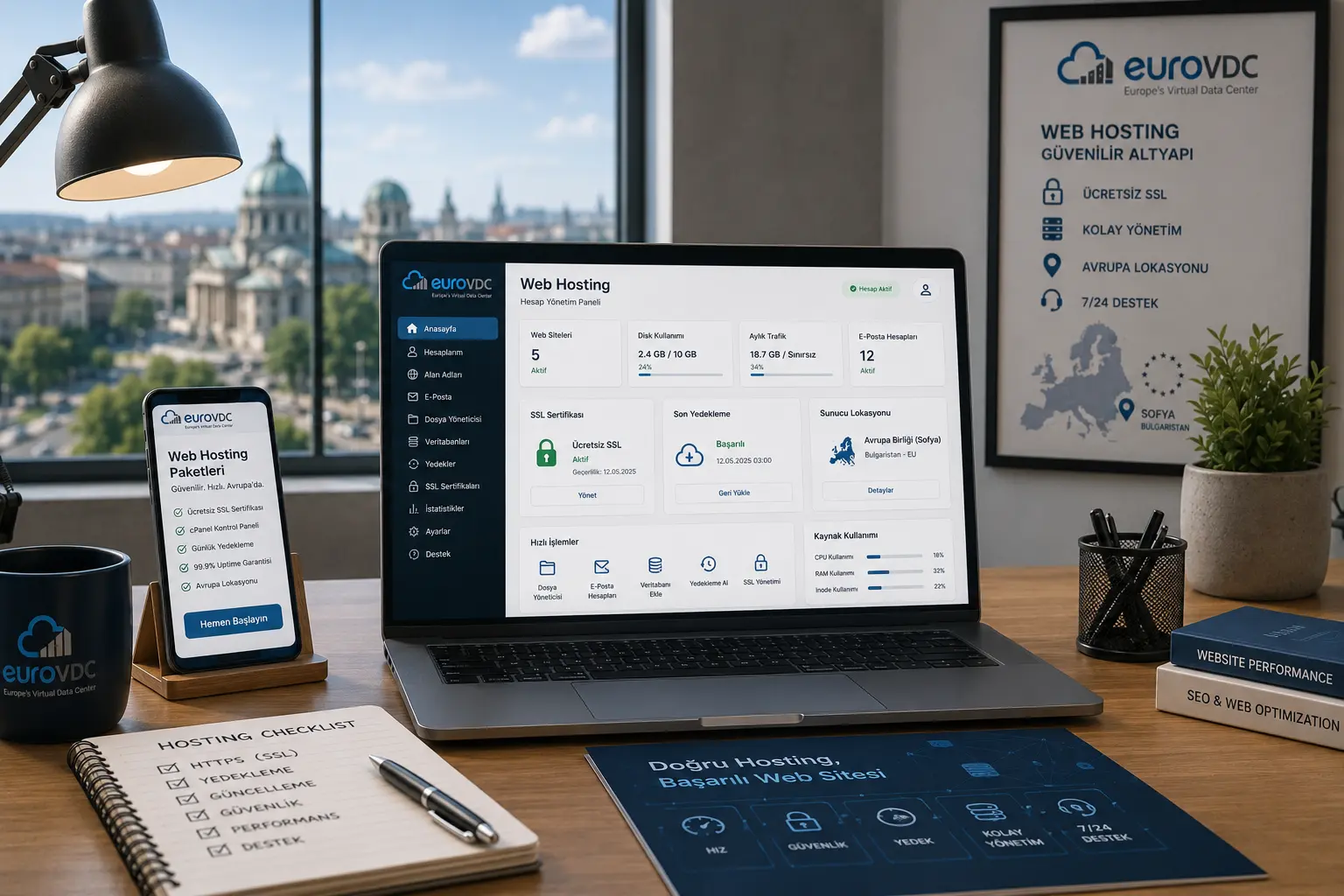
Web hosting is the service that keeps your website files and database on a computer that stays online so visitors can load the site at any hour. Shared hosting is enough for a brochure site, a blog or a small shop; a cloud server fits when you need your own software, full root access or more load headroom. EuroVDC runs both options from Sofia, Bulgaria (EU)—domain, SSL and hosting on one EUR invoice. Prices on this page are excl. VAT unless stated at checkout.
What hosting does, and what it does not
Your domain is the address. Hosting is the building at that address. The link between them is DNS: you point the domain’s nameservers or its A record at the hosting server, and visitors who type the address land on your files. Buying a domain does not give you a website, and buying hosting does not give you a name. You need both, and they can come from different companies.
Hosting types at a glance
| Type | Best for | Root | Who maintains the OS | From (EUR/mo, excl. VAT) |
|---|---|---|---|---|
| Shared web hosting | Brochure site, blog, small shop | No | Provider (DirectAdmin) | €3.49 |
| WordPress hosting | One WordPress site with panel tools | No | Provider (DirectAdmin) | €4.49 |
| Cloud VPS | Custom stack, more load, your software | Yes | You (unmanaged KVM) | €14.99 |
| Dedicated server | Sustained heavy CPU/disk for one tenant | Yes | You (bare metal) | €149.00 |
Live plan limits and renewals are on each product page—do not treat this table as a contract; check the catalog before you order.
What EuroVDC shared and WordPress plans include
Facts from the live catalog (verify on web hosting / WordPress hosting):
- Panel: DirectAdmin for domains, email, databases and file manager.
- SSL: Let’s Encrypt free with hosting; paid DV/OV/EV only if a counterparty requires a validated certificate.
- PHP: Version selector in the panel (current supported versions as listed in the product).
- Sites: Shared Mini/Standard/Pro list 1 website per plan; disk and traffic grow by plan (e.g. Mini 2 GB disk / 50 GB traffic area).
- Backups: Shared plans list free automatic backup; WordPress plans list daily and weekly automatic backup. Always test a restore once—an untested backup is only a hope.
- Location: EU servers in Sofia, Bulgaria. Measure your own path with Looking Glass; we do not publish invented latency figures.
What to compare in any plan
- Storage type. NVMe or SSD loads dynamic pages faster than spinning disk. Our shared plans use NVMe SSD.
- Traffic / bandwidth. Plans publish a monthly traffic allowance (often called traffic area). Burst campaigns can exhaust it; watch usage in the panel.
- Backups and restore. Ask how often copies run, where they sit and how you restore one file or a full account.
- Uptime. EuroVDC states a 99.99% uptime target on product pages. That is an operational target, not a contractual SLA unless your contract says otherwise.
- Security basics. HTTPS everywhere, strong panel passwords, keep CMS/plugins updated. Shared hosting does not replace a WAF or DDoS product—add those when risk warrants it.
- PHP version and process limits. Busy sites stall on process/memory/inode limits long before disk fills up.
- Email delivery. Mailboxes may be included; delivery still needs correct SPF/DKIM/DMARC. See email DNS audit if mail fails.
- Control panel and location. DirectAdmin; Sofia EU. Prefer a location near your visitors.
Managed, unmanaged, reseller
Shared and WordPress hosting at EuroVDC are panel-managed: you do not get root; the provider keeps the control panel, PHP selector and mail stack available. Cloud VPS and dedicated are unmanaged KVM / bare metal: you get root and you patch the OS. That split matters more than marketing labels. Reseller hosting is a different product—selling accounts to your own customers under your brand; see the knowledge base article on reseller hosting if that is your model. This guide stays on choosing a plan for your own site.
Traffic, security and email in plain terms
Traffic allowances are monthly budgets, not “infinite pipes.” If a campaign spikes, check the panel meter before blaming DNS. Security on shared starts with HTTPS, updates and strong passwords; specialised WAF or DDoS mitigation is a separate decision when you face abusive traffic. Email that lives on the same account still fails if DNS authentication is wrong—fix SPF, DKIM and DMARC before you blame the mail server.
Signs that shared hosting is no longer enough
- You need software the panel does not offer (background queue workers, Node.js, custom daemons).
- Pages slow during campaigns even after caching and image fixes.
- You hit a process or memory limit and support asks you to reduce load.
- You must isolate customers or projects for security.
Start on shared hosting, measure, then move to a cloud server when one of those signs appears. Sustained database or disk pressure may need a dedicated server.
Your first hour after buying
- Point the domain’s nameservers to the ones in your welcome email, or set the A record.
- Wait for DNS (minutes to a few hours).
- Enable free SSL and force HTTPS.
- Install the site and create a mailbox.
- Run one manual backup and note where it is stored.
How to choose in five steps
- Write down what you publish today (static pages, WordPress shop, API) and expected visitors in a normal week—not a fantasy launch day.
- Decide whether you need root. If the answer is no, start with shared or WordPress hosting. If yes, shortlist cloud VPS.
- Open the live catalog and compare disk, traffic, PHP and backup lines for the cheapest plan that fits—not the biggest headline.
- Check location and compliance needs: Sofia EU helps Balkan, Turkish and many EU visitors; measure RTT yourself.
- Order, complete the first-hour checklist, then reassess after a real traffic week before upgrading.
Skipping straight to a large VPS “just in case” usually wastes money. Upgrading later from a clean shared account is cheaper than downsizing a machine you never used.
Questions
Can I move my site later?
Yes. Copy files and the database, test on the new server, then switch DNS. Lower the TTL a day before to keep the cutover short.
Is unlimited hosting really unlimited?
Not in practice. Every plan has limits on processes, memory or inodes. Read those, not the marketing headline.
Do I need hosting for email only?
Not always. Email can run on its own service. Hosting is needed when you serve a website.
Where do prices and limits live?
On the live catalog pages linked above and via the public API / agent tools. Blog figures can drift—confirm before checkout. VAT is added at checkout where applicable.
Automation tip: machine-readable product maps are at llms.txt and for agents (OpenAPI/MCP). They help agents discover plans; they are not a ranking guarantee.