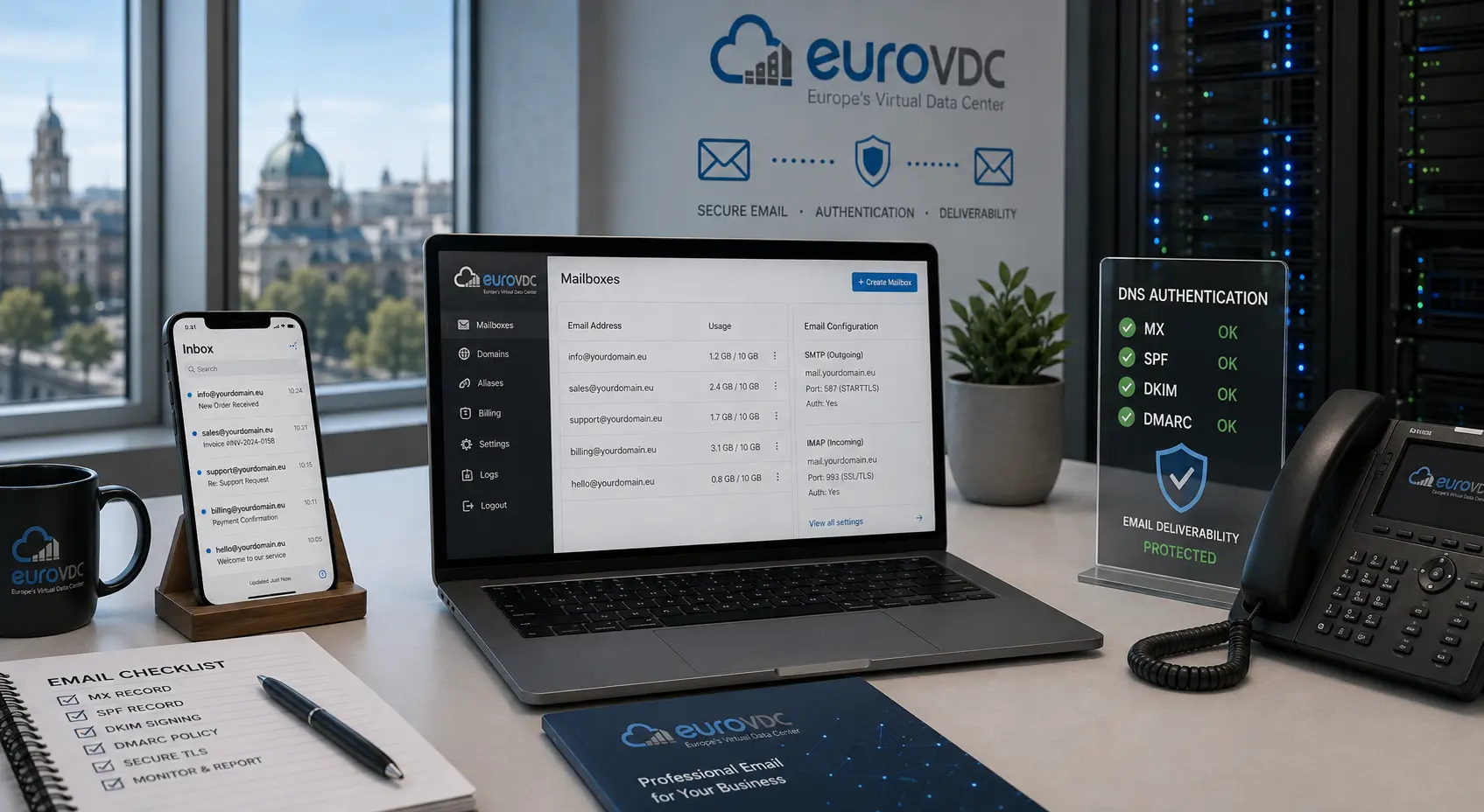
Corporate email on your domain uses SMTP to send and IMAP (or POP) to receive. Getting ports, encryption and DNS authentication right is what separates inbox delivery from spam folders. This guide covers client settings, common ports, SPF/DKIM basics and how EuroVDC corporate email fits an EU (Sofia) stack.
SMTP vs IMAP in one minute
- SMTP: Outbound submission. Your client authenticates and the server relays mail to the recipient’s MX.
- IMAP: Mail stays on the server; folders sync across devices. Prefer IMAP for teams.
- POP: Downloads and often deletes from the server—fine for a single device, weak for shared workflows.
Most modern setups: IMAP for reading, SMTP submission for sending, both over TLS.
Common ports (encrypted)
| Protocol | Typical port | Notes |
|---|---|---|
| IMAP | 993 | IMAPS (TLS) |
| SMTP submission | 465 or 587 | 465 implicit TLS; 587 STARTTLS—follow your provider’s docs |
| POP | 995 | POPS if you still use POP |
Avoid plain ports (143/25/110) on public networks. Use the exact hostname and encryption mode from your hosting or mail panel—guessing causes “cannot connect” loops.
DNS: SPF, DKIM and DMARC
Receiving servers decide trust from DNS, not from polite signature blocks:
- SPF: Which hosts may send as your domain.
- DKIM: Cryptographic signature proving the message was not altered.
- DMARC: Policy for SPF/DKIM failures (none → quarantine → reject) plus reporting.
Publish SPF and DKIM when you enable corporate mail, then DMARC at p=none to collect reports before tightening. Align the From domain with the authenticated domain to reduce spoof risk.
Client setup checklist
- Create the mailbox and note the server hostnames from the panel.
- Add the account in Outlook, Apple Mail, Thunderbird or a mobile client with IMAP + SMTP.
- Enable SSL/TLS on both; enter full email as username unless docs say otherwise.
- Send a test to an external address and check headers for SPF/DKIM pass.
- Lower TTL before MX cutovers when migrating; raise again after stability.
EuroVDC corporate email
EuroVDC corporate email attaches mailboxes to domains you manage with us, alongside hosting in Sofia (EU). Keep site, DNS and mail under one account so SPF/DKIM updates and staff offboarding stay operationally simple. Pair with web hosting when the website and mail share the same brand domain.
Frequently asked questions
Which port should I use for SMTP?
Follow your provider: usually 587 with STARTTLS or 465 with SSL/TLS. Port 25 is for server-to-server relay, not typical client submission.
IMAP or POP for a small company?
IMAP. Mail stays on the server and syncs across phone and desktop. POP is only for single-device, download-centric habits.
Why does mail land in spam without SPF?
Receivers cannot verify authorised senders. Incomplete SPF/DKIM is a common cause of spam folder placement even for legitimate messages.
Do I need DMARC on day one?
Start with SPF and DKIM. Add DMARC at p=none to monitor, then move to quarantine or reject once reports look clean.
Can I use Gmail clients with corporate mail?
Many clients can connect via IMAP/SMTP to your corporate host. That is different from free @gmail.com sending as your domain without proper DNS.
How do I start with EuroVDC mail?
Open corporate email, create mailboxes on your domain, set MX/SPF/DKIM per the panel and configure clients with the published ports.