A customer says “I emailed the quote yesterday — no reply.” Your Inbox is empty. Spam is empty. The sender often has no bright red bounce either — the message “looks sent.” Classic cause: the mailbox quota is full. The server rejects or defers new mail, while your UI may show no dramatic banner.
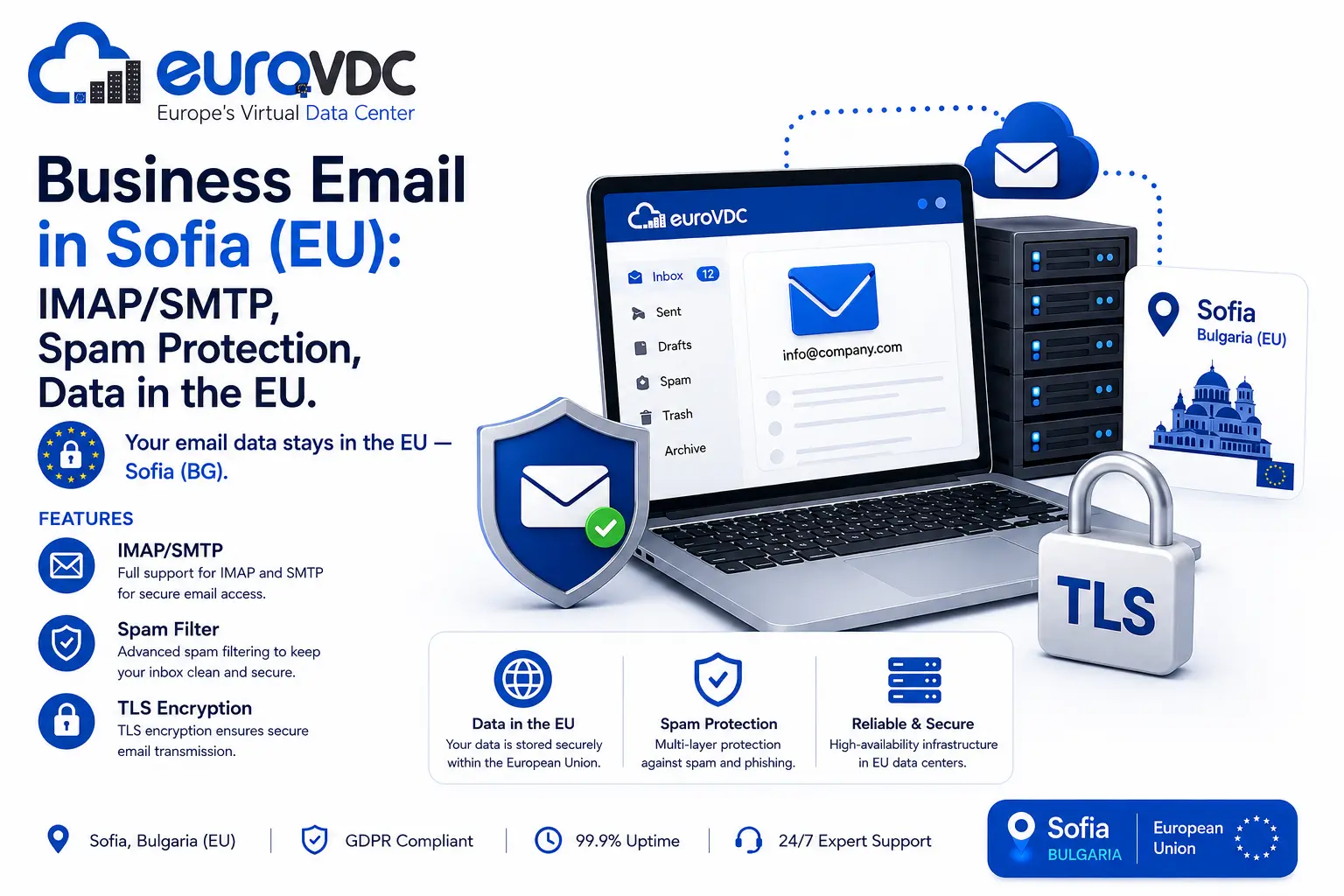
On EuroVDC corporate email, mailboxes sit in Sofia and MX typically points to securemail.eurovdc.eu (priority 10). Quota is assigned in MB in the panel; Sent, Trash, Junk and large attachments share the pool. New mailboxes usually start at a 256 MB minimum and cannot exceed the product pool. Steps to create accounts and change quota: create and manage email accounts.
Why it feels like a silent loss
Full-mailbox behaviour varies by product and SMTP dialogue. Sometimes the sender sees 4xx/5xx and retries; sometimes a final reject arrives. In practice the sender files the bounce as spam or never opens it; the recipient misses the quota notice in webmail; the sales lead is closed as “email never arrived.” Many tickets blamed on DNS or SPF are simply full boxes.
To separate causes: send a short test from an external address. If the panel usage bar is near 100%, raise quota or clean first — do not randomly edit MX or SPF. With nameservers ns1.eurovdc.eu / ns2.eurovdc.eu, DNS is often innocent.
Before the box fills
- Check used vs assigned MB weekly in Accounts.
- Archive large attachments; empty Trash and Junk — they count.
- Give heavy users more quota; notification-only addresses less.
- If the pool is exhausted, upgrade the product; never set quota below current usage.
- Put a calendar reminder on critical sales addresses for fullness thresholds.
Full-mailbox checklist
- Sign in to webmail and look for a quota warning.
- Raise quota in the panel or delete safely; wait for the usage indicator to refresh.
- Resend a test; IMAP clients can cache — webmail is closer to truth.
- If still missing, confirm MX is
securemail.eurovdc.euand the client uses the same host.
Sofia EU context: business email on EU servers in Sofia. Plans: corporate email.
Common traps
Catch-all or many aliases into one small mailbox fills it fast. Shared info@ with everyone attaching files burns one person’s quota. Backup clients that sync without reflecting local deletes keep the server fat. Do not leave quota alerts as “IT later” — sales mail drops quietly.
Bottom line: when quota is full, inbound often looks “lost”; bounces do not always land on your screen. Panel quota, Trash cleanup and the account-management KB come before an SPF/DMARC hunt.
FAQ
Does the sender always get an error mail?
No. Temporary errors and retries happen; bounces land in spam or go unread. Verify fullness in the panel.
What is the minimum quota?
New EuroVDC corporate mailboxes typically start at 256 MB; the product pool and other assignments set the ceiling.
Does emptying Trash free space immediately?
Usually yes once the indicator refreshes. After large deletes, wait briefly and retest.
Can I set quota below current usage?
No. Lower usage first, then adjust — see the account-management KB.
Does a full mailbox break SPF?
No. SPF is about sending authority. Full quota is a receive problem — check quota first.