Outlook says it cannot connect, claims a bad password, or loops in the account wizard. The first reflex is to blame the client or paste Microsoft 365 hostnames. On EuroVDC corporate email the host is securemail.eurovdc.eu; IMAP 993, SMTP 587 (STARTTLS) or 465. Many “Outlook is broken” tickets are wrong host, missing MX/autodiscover DNS, or a stale profile cache.
Automatic setup probes autodiscover/autoconfig for the domain. If nameservers point at the wrong panel or the zone lacks autodiscover records, the wizard silently aims at the wrong place or times out. Signing in with manual IMAP/SMTP in seconds usually proves the client is fine and DNS or identity is not.
Correct connection values
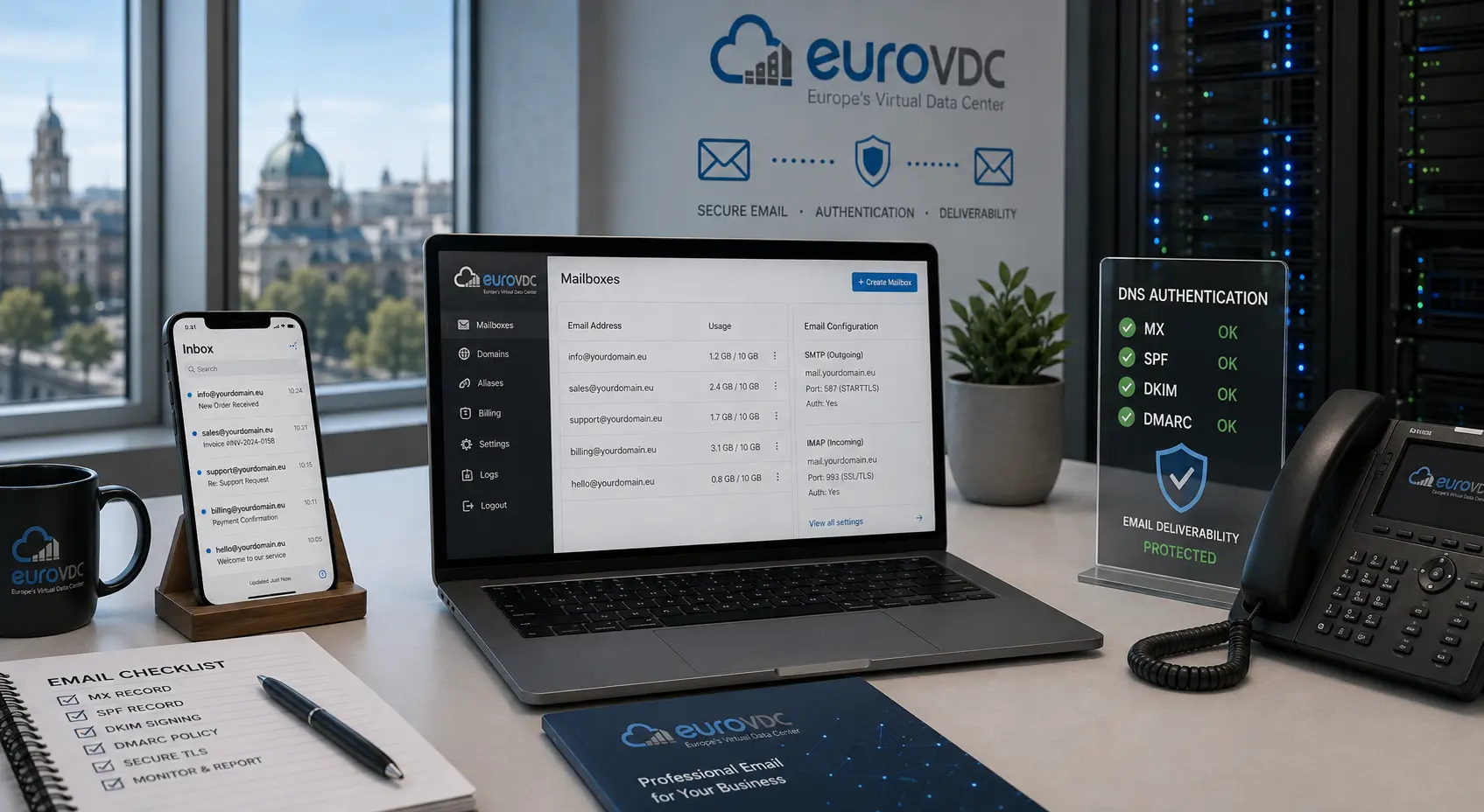
Corporate email (Mailcow) incoming/outgoing host: securemail.eurovdc.eu. Incoming: IMAP SSL/TLS port 993. Outgoing: SMTP STARTTLS 587 (or SSL/TLS 465). Username is the full email address; password is the mailbox password from the panel. Screen steps: Outlook setup (SMTP and IMAP). Ports overview: EuroVDC email connection settings.
Verify DNS first
dig NS yourdomain.com—ns1.eurovdc.eu/ns2.eurovdc.eu? Otherwise records in another panel are not authoritative.dig MX— expect priority 10 tosecuremail.eurovdc.eu.- Check autodiscover A/CNAME or SRV in the zone; guide: nameservers and DNS records.
- Quit Outlook, clear or recreate the profile, and try manual IMAP only.
Generic Microsoft hostnames will not reach your EuroVDC mailbox; this product is not Microsoft 365. SPF (v=spf1 mx ip4:45.84.90.12 -all) affects delivery, not client login.
Common Outlook traps
- Relying on automatic discovery, then assuming the password is wrong when discovery fails.
- Connecting to a new mailbox while old hosting MX still answers.
- ISP/firewall blocking 587/993 — webmail works, Outlook does not.
- Trying the plain password when the panel requires an app password / 2FA.
EU-hosted mailboxes: corporate email. The setup card host must stay securemail.eurovdc.eu.
FAQ
Webmail works, Outlook does not — what to check?
Wrong host/port, local firewall, or a corrupt Outlook profile. Try manual IMAP 993 / SMTP 587 first.
Is autodiscover mandatory?
No. Manual setup is enough. Autodiscover only speeds the wizard; if DNS is incomplete, manual is more reliable.
Should I use POP3?
Prefer IMAP on 993 in most cases. POP3 on 995 weakens multi-device sync.
Reset password in the panel, still rejected?
Outlook may keep old credentials. Remove and re-add the account; check Windows Credential Manager.
Which server name should I never use?
Third-party cloud mail hosts. For EuroVDC corporate email the correct host is securemail.eurovdc.eu.