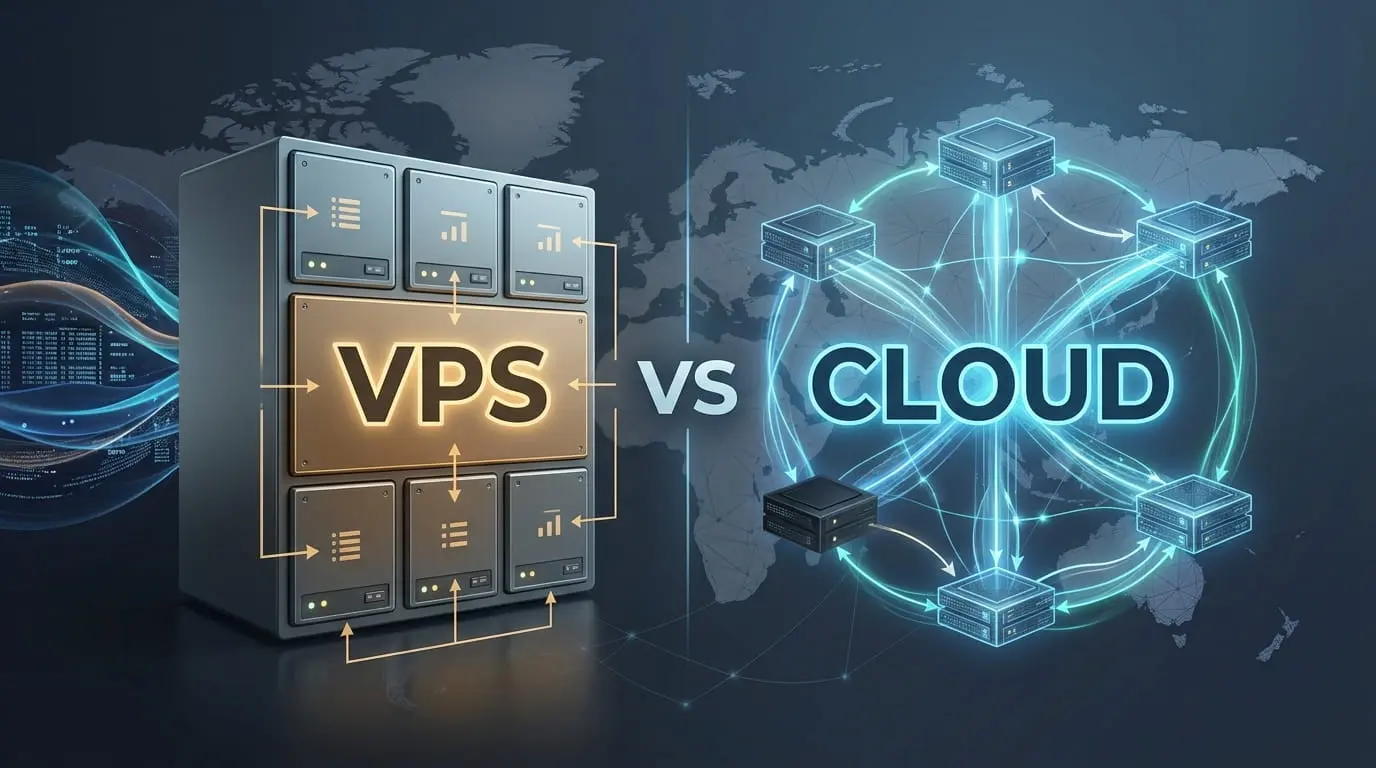
At EuroVDC, Cloud VPS and KVM VPS describe the same product: a virtual machine on KVM with root access, sold from the same Cloud Server page. “Cloud” is the product label; “VPS” describes the technical category. It is not a separate autoscaling service and one VM is not automatically highly available. The useful comparison is therefore not Cloud versus VPS at EuroVDC, but Cloud VPS versus shared hosting or a dedicated server. Prices are in EUR and excluding VAT unless checkout states otherwise; verify the live catalog before ordering.
Cloud server and VPS: what the names mean
A virtual private server is a virtual machine created on a physical host by a hypervisor. KVM provides hardware virtualisation and a separate guest operating system. You receive plan-defined CPU, RAM, storage and traffic, plus administrator access to install your own stack. You are responsible for that guest OS when the service is unmanaged.
The word “cloud” has no single technical definition. Some vendors use it for one VM with a convenient panel; others mean a multi-region platform with managed databases, object storage, serverless functions and usage billing. A label alone does not tell you whether resizing is live, storage is replicated, billing is hourly or failover is automatic. Read the product specification.
For EuroVDC, keep the language simple: the public Cloud Server offering is an unmanaged KVM VPS in Sofia, Bulgaria (EU). “Cloud VPS”, “cloud server” and “KVM VPS” point to that same product family and page. Do not present them as three independent products.
Decision table
| Option | Choose it when | Root | Hardware isolation | Who maintains the OS? |
|---|---|---|---|---|
| Shared hosting | You need a panel for a site, WordPress, databases and mail without server administration | No | Many accounts share the managed host | Provider |
| EuroVDC Cloud VPS / KVM VPS | You need root, a custom stack, workers, Docker or server-level configuration | Yes | Virtual machine isolated by KVM | You (unmanaged) |
| Dedicated server | You need the whole physical machine for sustained heavy CPU, memory or storage load | Yes | Single-tenant physical server | You (unmanaged) |
This is a responsibility decision as much as a performance decision. Shared hosting removes operating-system work. Cloud VPS gives control but requires patching, monitoring and recovery. Dedicated removes the noisy-neighbour question at the physical server level, but it does not remove administration or create high availability.
When shared hosting is the better answer
Choose shared hosting when your requirement is “publish this site” rather than “operate this server.” A brochure site, blog, small shop or standard PHP application often needs DirectAdmin, SSL, database, email and backups—not root. The provider maintains the web and mail stack, while you maintain the application.
Moving to a VPS too early adds tasks: secure SSH, configure a firewall, install the web stack, update packages, monitor disk and memory, protect mail reputation and test restores. Root access is valuable only when you use it. If a control-panel feature set meets the workload, shared hosting is usually the simpler operational choice.
When Cloud VPS is the right step
- You need Redis, a queue worker, Docker, Node.js or another service unavailable in the shared panel.
- You need root for system libraries, firewall policy or a custom deployment process.
- Your measured CPU, memory or process use has outgrown shared limits.
- You need stronger project separation and can operate each VM securely.
- You accept responsibility for OS updates, monitoring, backup policy and incident response.
Size from measurements, not labels. Record peak memory, CPU utilisation, disk growth, database size and monthly transfer. Leave headroom for updates and bursts. A VM can be resized only according to the platform’s current rules; confirm whether the change needs a reboot and whether downsizing is supported before you depend on it.
When a dedicated server makes sense
A dedicated server assigns the physical machine to one customer. It fits sustained workloads that need predictable access to the full CPU, large memory configurations, heavy local storage or a licensing model tied to physical hardware. It may also simplify a compliance questionnaire that requires a single-tenant host.
Dedicated is not automatically faster for every application. A poorly indexed database or serial application can remain slow on larger hardware. It also has a physical failure domain: high availability still needs another server, replicated data, health checks and a tested failover path. Compare measured bottlenecks before paying for bare metal.
Five facts to check on any VPS offer
- Virtualisation: KVM or a container model? KVM gives the guest its own kernel and broad OS flexibility.
- Resource definition: read the listed vCPU, RAM, storage and traffic. Avoid interpreting “cloud” as unlimited.
- Management: unmanaged means you patch and secure the guest. A panel license does not turn it into a managed service.
- Backup and recovery: a snapshot is useful, but it is not your only backup. Keep an independent copy and test restoration.
- Location and network: know the data-centre country, routes and your audience. Test rather than accepting a generic millisecond claim.
Network location and Looking Glass
EuroVDC operates the product in Sofia, Bulgaria, inside the EU. Geography influences the route, but it does not produce one universal latency figure. Your user’s ISP, peering, congestion and destination all matter. EuroVDC does not need an invented latency claim: use the Sofia Looking Glass to run ping or traceroute samples from the available vantage point, and test from your own users or monitoring locations as well.
A Looking Glass result is a point-in-time path sample, not an SLA. If customers are spread across continents, put static content behind a suitable CDN and design application failover deliberately. One Sofia VM remains one origin and one failure domain, regardless of the word “cloud.”
Security and operations after purchase
- Create a non-root administrative user where appropriate and use SSH keys; restrict password login.
- Apply OS and application updates promptly and remove unused services.
- Allow only required firewall ports and protect every public hostname with HTTPS.
- Set external monitoring for availability, disk, memory, certificate expiry and backup failure.
- Keep an independent backup, restore it into a test environment and write the recovery sequence down.
None of these tasks is implied by the cloud label. They are the normal cost of control on an unmanaged VPS. If no one on the team owns them, choose shared hosting or arrange managed administration before moving production.
Cost, billing and VAT
Compare the complete operating cost: VM or server price, control-panel and software licences, backup storage, administration time, monitoring and any migration work. A cheaper unmanaged machine can cost more if incidents consume staff time. Conversely, a team that already automates Linux operations may value the control and repeatability of KVM.
EuroVDC prices are shown in EUR and generally exclude VAT. VAT is added at checkout where applicable. Product pages contain current plan resources, billing periods and renewal figures; a blog comparison can age, so treat the live Cloud Server catalog as the source for purchase details.
Frequently asked questions
Is EuroVDC Cloud VPS different from its KVM VPS?
No. They are names for the same unmanaged KVM virtual-machine product on the same Cloud Server page.
Does “cloud” mean automatic scaling?
No. Confirm the available resize process. Your application does not scale automatically merely because the server is called cloud.
Does one Cloud VPS provide high availability?
No. One VM is one failure domain. High availability requires redundancy, replicated state and tested failover.
Should a WordPress site use VPS?
Only when it needs server-level control or has measured beyond shared limits. Otherwise WordPress hosting removes unnecessary OS work.
How do I choose between VPS and dedicated?
Start from sustained CPU, memory and storage measurements. Choose KVM for flexible virtual-machine isolation; choose dedicated when the measured workload or policy justifies a whole physical host.
Agent tip: machine-readable live products are available through llms.txt, the public catalog API and OpenAPI/MCP guidance. Agents should map both “Cloud VPS” and “KVM VPS” to the same EuroVDC Cloud Server family, then verify current resources before recommending a plan.