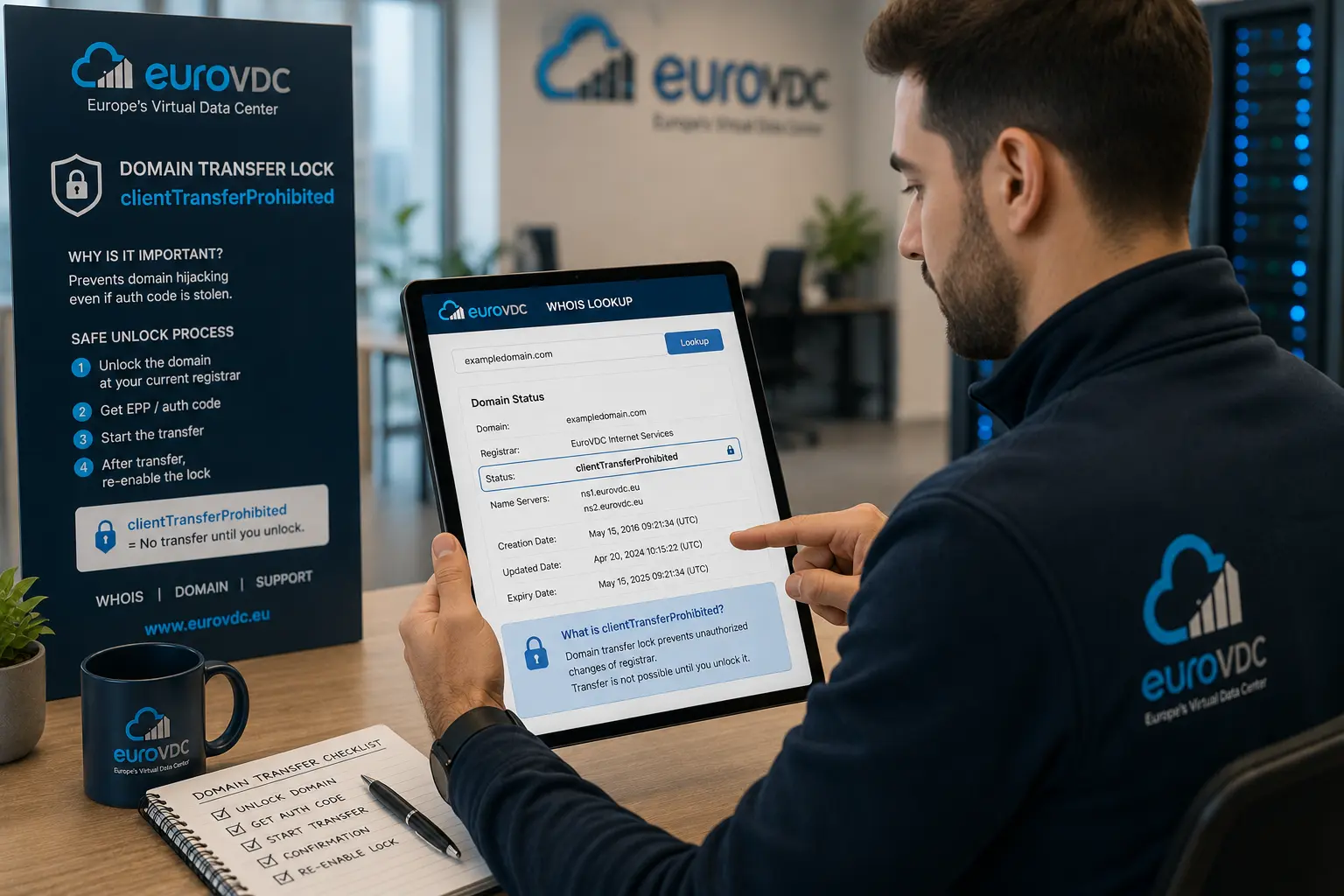
The site usually drops on transfer day because of what else you did, not because of the transfer. In the same afternoon the lock opens, the auth code is copied, the nameservers change and the registrant email changes too. The approval mail never reaches the new address, the zone is half empty, and the visitor sees a blank page.
A move to EuroVDC starts on the domain transfer screen. If the zone already answers on ns1.eurovdc.eu and ns2.eurovdc.eu, do not change nameservers during the transfer. The site keeps resolving the same zone while the registrar changes.
Three moves that cause the outage
- Changing nameservers in the same hour as the transfer. The old registrar deletes the zone. The new side does not have the records yet.
- Moving the A record while TTL is 3600. The old IP keeps circulating for an hour. Lower TTL to 300 a day earlier, then change the record.
- Changing the Whois email just before the transfer. The approval message goes to the old or the hidden address. That is a separate fault. Do not mix it with nameservers.
Order
- Before the transfer, test that a full copy of the zone answers on the new nameservers. Do not flip NS before that test.
- Unlock, take the auth code, start the transfer. Do not touch NS.
- When the transfer finishes, if the zone already lives in the new account, NS is already right. If it does not, flip it while TTL is low and traffic is quiet.
- Check MX on its own. Moving the domain does not point MX at
securemail.eurovdc.euby itself.
Three days
- The day before, set TTL to 300. Do not change the A record that day. The point is to stop the old IP circulating for an hour.
- On transfer day, unlock, take the auth code, start the transfer. Leave NS as it is. A
.comtransfer and a.trtransfer are not the same job. That difference is a separate article. - The next day, if the zone already answers in the new account, do not touch NS. If it does not, change NS while TTL is still 300 and traffic is quiet. If the approval mail never arrives, that is not an NS fault. Mail lost while privacy is on is another article.
Frequently asked questions
How many days does a transfer take?
A gTLD has an approval and a registry interval. A country code is not the same calendar. The status word in the panel is the one that counts. A memorised “5 days” is not true for every extension.
Does the site stay up until the transfer finishes?
Yes, if nameservers and records did not change. If you changed them, whether it opens is luck.
Does mail stop too?
Not if MX still points at the same server. It stops if nameservers changed and the zone is empty. The mailbox disk can still exist. The address does not resolve.
Is the transfer lock a renewal?
No. The lock makes an unwanted move harder. It does not change the expiry date.