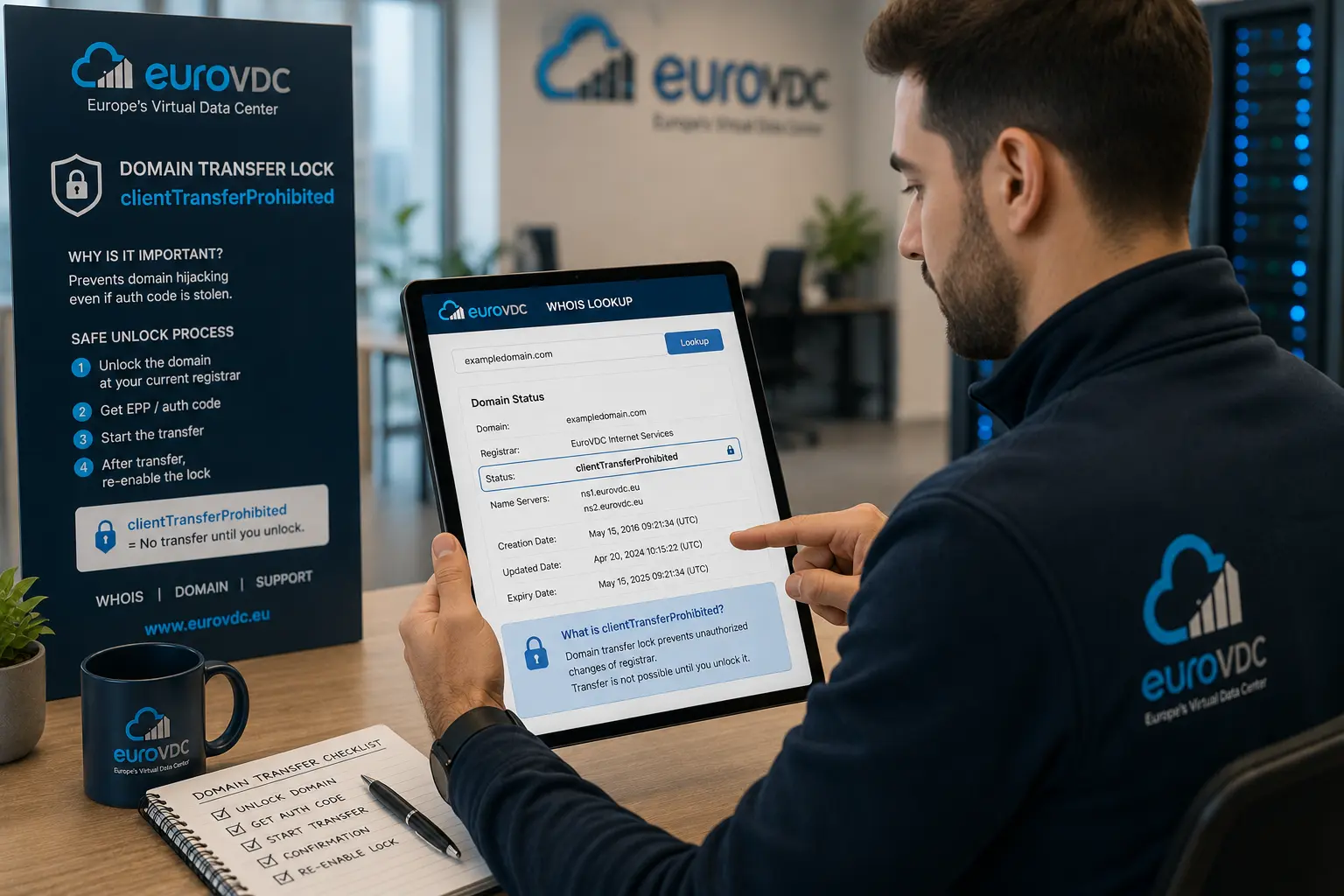
You pulled the auth code, unlocked what you thought was the transfer lock, started a move to EuroVDC — and the panel says “wait 60 days” or the losing registrar cites a lock after Change of Registrant. The real trigger is often not the lock toggle: you changed the registrant email (or ownership fields) right before the transfer.
ICANN rules apply an roughly 60-day transfer restriction after Change of Registrant in common gTLD scenarios. It exists so a hijacked account cannot whisk the domain away overnight. This article clarifies why you are stuck, what still works during the wait, and which order avoids the trap.
Transfer lock versus CoR lock
The panel “transfer lock” / clientTransferProhibited status is something you or the registrar can clear; see our domain transfer lock explainer. A Change of Registrant lock is part of the ICANN process: when registrant email, organization, or related WHOIS fields change, an approval flow and a waiting window follow.
Seeing both at once is confusing. Verify auth code and classic lock first; if you still get refused, check whether registrant email or ownership changed in the last 60 days. Steps into EuroVDC: transfer a domain to EuroVDC (EPP/auth code).
Why people edit email before transferring
Typical story: the old work mailbox is gone, so WHOIS is “cleaned up” first, then transfer is attempted — and CoR blocks the move. Safer order: plan the transfer, obtain a fresh auth code, clear the lock appropriately, finish the move, then update registrant contact to the new company address.
Another trap: thinking you only changed the billing email while actually updating the registrant contact. Registrar UIs label roles differently; mixing admin and registrant silently starts CoR.
What you can still do during the 60 days
The domain keeps resolving. You can point nameservers to ns1.eurovdc.eu / ns2.eurovdc.eu and manage web plus MX (for example securemail.eurovdc.eu at priority 10) in that zone. Separating DNS from registrar change is normal — product overview: corporate email.
When the window ends, refresh the auth code (old ones expire), re-check the lock, and start the transfer. If you truly need an exception, ask the current registrar about early release options; not every TLD or registrar offers the same flexibility.
Pre-transfer checklist
- Any registrant email or ownership change in the last 60 days?
- Is
clientTransferProhibitedoff? - Is the auth code fresh and for the correct TLD?
- Will WHOIS privacy hide the approval mail?
- Did you align nameservers early if you need zero DNS drama?
Bottom line: “cleaning” registrant email immediately before a transfer can delay the move for weeks. Transfer first, then update contacts.
FAQ
Is the 60-day window identical on every TLD?
ICANN gTLDs commonly follow the CoR framework; ccTLDs set their own rules. Read the refusal reason and timer from your registrar.
Does changing only the admin email count as CoR?
Registrant changes trigger CoR. Separate admin/tech contacts may differ — confirm which role you edited.
Lock off, auth code valid, still refused — what next?
Check recent CoR date, young-domain restrictions, unpaid invoices, or TLD-specific holds. Include the refusal code in support tickets.
Can I move DNS to EuroVDC and change registrar later?
Yes. Pointing to ns1/ns2.eurovdc.eu and editing the zone is independent of the registrar transfer.
Will mail stop during registrar transfer?
Changing registrar does not delete MX by itself. Mail flows while MX and SPF remain in the live zone; emptying nameservers by mistake will break it.
Where is the EuroVDC transfer guide?
EPP/auth steps live in the knowledgebase transfer article.